Manual vs Automated Trading: Where Your Time Actually Goes
Manual vs automated trading through the lens of time: where hours go with each approach, what automation still demands, and how to match it to your schedule.
Time Is the Quiet Deciding Factor
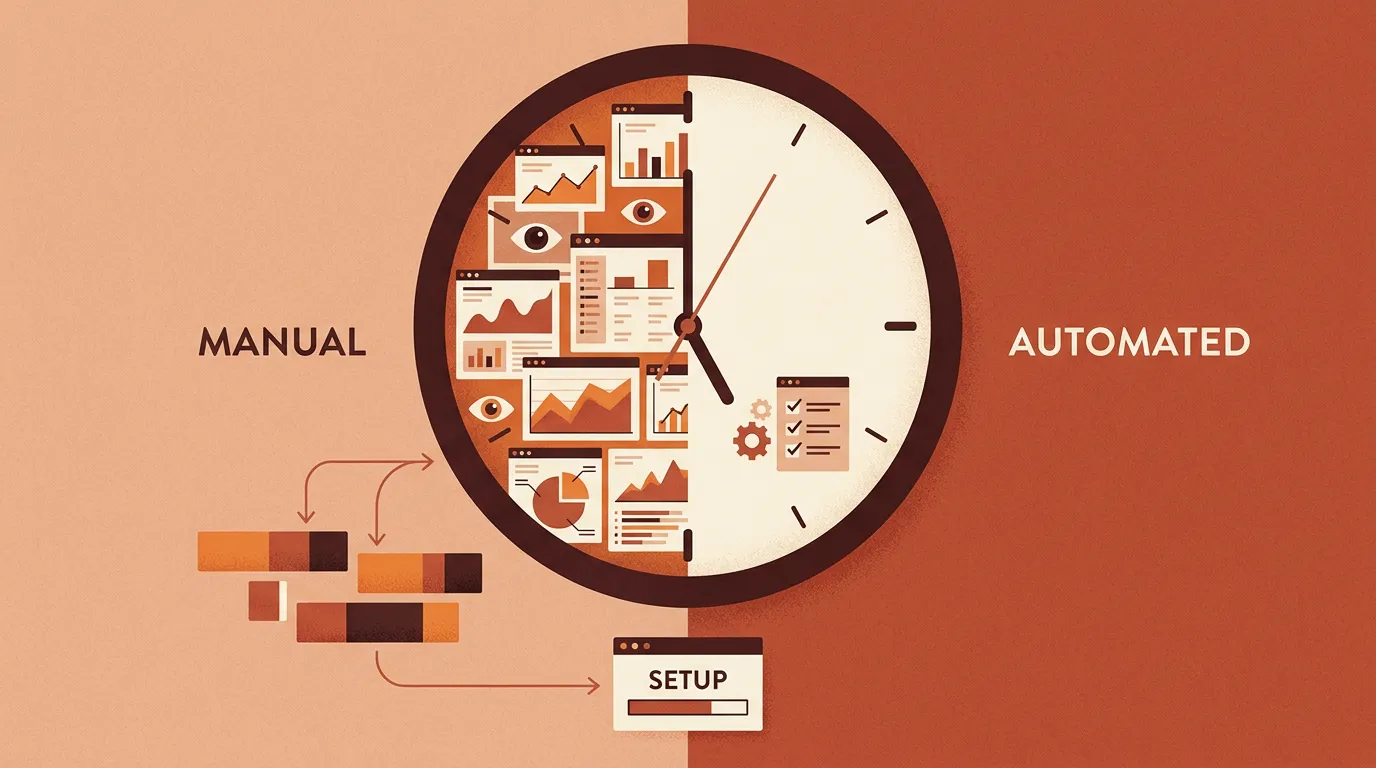
Most debates about manual vs automated trading focus on emotion. Time matters just as much and often settles the question. Automation doesn't remove the time trading takes. It shifts it from watching charts to setting up and reviewing.
The Hidden Time Cost of Manual Trading
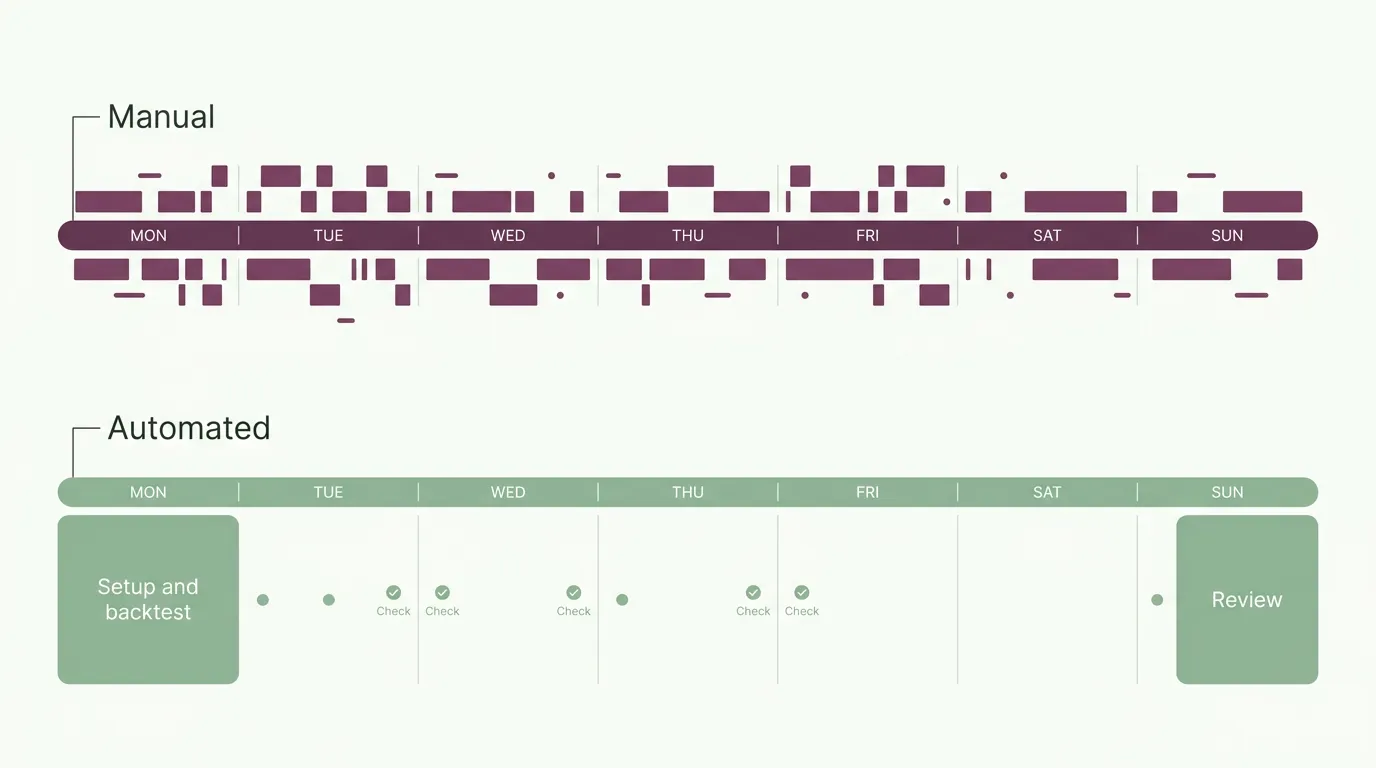
Most of the time in manual trading goes to waiting, not deciding.
- Watching for setups: a rule like "buy when price closes above the 50-period average while RSI is below 70" only works if you're at the screen when that candle closes.
- Session coverage: crypto never closes, forex runs around the clock on weekdays, and US stocks have fixed sessions plus extended hours. Each one needs a different amount of your attention (see ).
- Missed or late signals: when you sleep, work, or step away, trades either don't happen or happen at a worse price.
- Record keeping: you log every trade by hand, usually after the fact and from memory.
The real cost is subtle. A backtest assumes you took every signal. Your live results only include the signals you were awake and free for.
If a strategy only works when you're watching, its results measure your availability as much as your edge.
Where Automation Moves the Hours
Automation puts the work up front. Once it's running, the daily load gets much lighter.
On algomax, setup is a conversation. You , and the AI assistant turns it into a ready-to-run bot. You backtest it on historical candles and then run it live. You don't manage any servers, and orders go through your own connected broker account.
Automation Is Not Zero Time
A bot running unattended still needs some of your time. Budget for these:
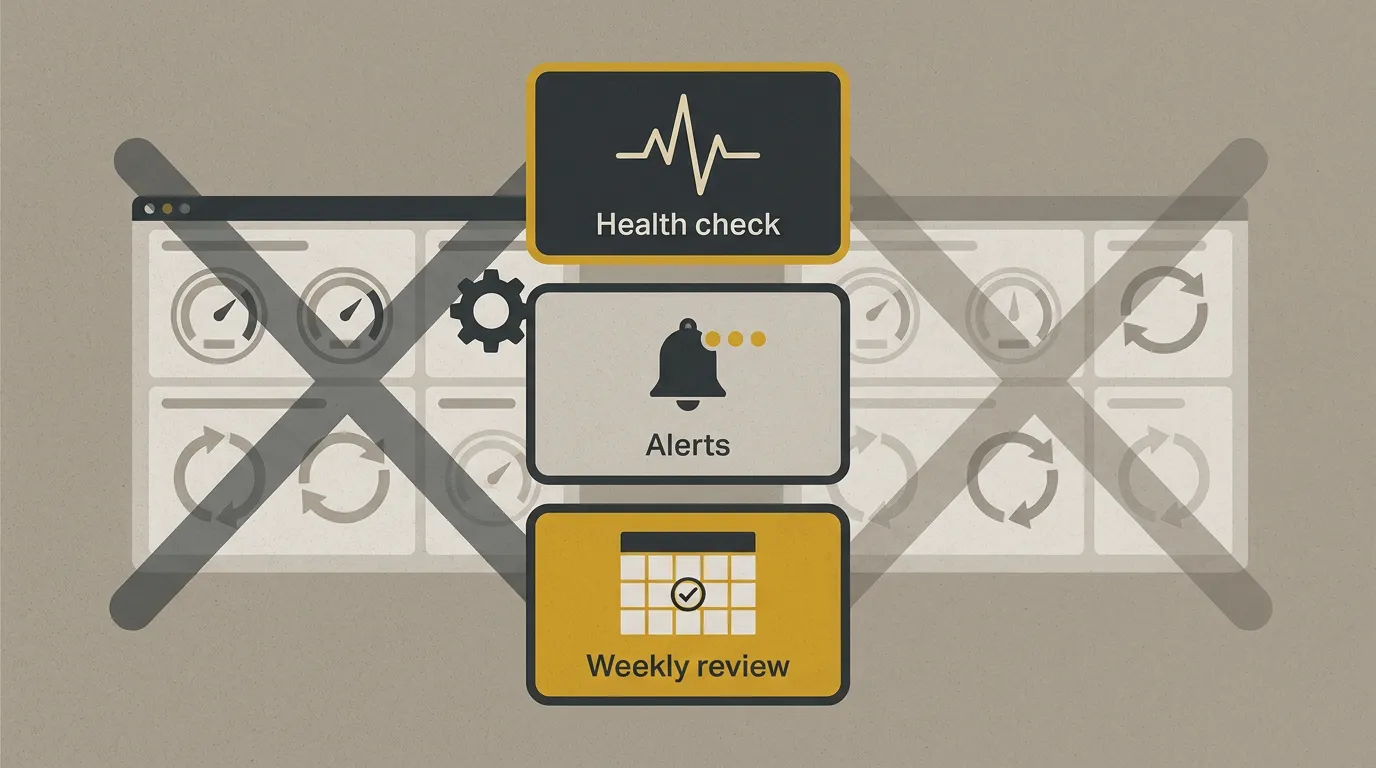
- Monitoring: if the bot hasn't traded, it could be a quiet market or a broken connection. A short routine tells you which (see this ).
- Notifications: Telegram or Discord alerts save you from staring at a dashboard, but too many alerts bring the staring back. Keep them .
- Scheduled reviews: set a fixed time, such as weekly, to compare live behavior with the backtest.
- The urge to babysit: checking every ten minutes cancels the time you saved and invites impulsive changes.
Automating a strategy makes it consistent, not profitable. A losing set of rules will lose just as reliably on autopilot, so backtest before risking real money.
Matching the Approach to Your Schedule
Manual trading may suit you if:
- You trade only a few setups a week on higher timeframes
- You enjoy chart work and have the hours for it
- Your decisions depend on judgment you can't write down as rules
Automation tends to suit you if:
- You can state your rules clearly in a few sentences
- Signals tend to arrive at hours you can't cover
- You trade markets that never close
A quick test: count how many signals your strategy gave last month, then count how many you actually took. The gap between the two is roughly what manual trading costs you in time.
Conclusion
Neither approach is free. Manual trading takes hours every day, and those hours are tied to the market's clock. Automation takes focused time at the start and a light, regular habit after that. Pick the approach whose time demands you can actually keep up.
Key Takeaways
- Manual trading time goes mostly to waiting, and missed signals quietly change your results.
- Automation moves the effort to setup, backtesting, and scheduled reviews.
- Bots still need light monitoring and well-tuned alerts, not constant watching.
- Compare the signals your strategy produced with the ones you took to see what manual trading costs you.
Frequently asked questions
Does automated trading save time compared to manual trading?
Usually it does day to day, but it moves time rather than removing it. You spend more effort up front on describing, backtesting and refining a strategy, then less time each day on light monitoring and scheduled reviews.
How much time does a running trading bot need?
A running bot typically needs a short regular health check, a few well-chosen alerts, and a periodic review comparing live results with the backtest. Checking it constantly tends to cancel out the time saved and can lead to impulsive changes.
Is manual trading better if I only trade a few times a week?
It can be, especially on higher timeframes where signals are rare and you have time to act on them. If your signals arrive at hours you can't cover, or your rules are clear enough to write down, automating may still be worth considering.
Will automating my strategy make it profitable?
No. Automation makes a strategy execute consistently, but it doesn't improve the rules themselves. Trading involves risk, so backtest carefully and start small before committing real money.