Go-Live Checklist: Promote a Bot to Live Trading
A practical go-live checklist for promoting a trading bot from backtest to live trading — the exact checks to clear before real money is at stake.
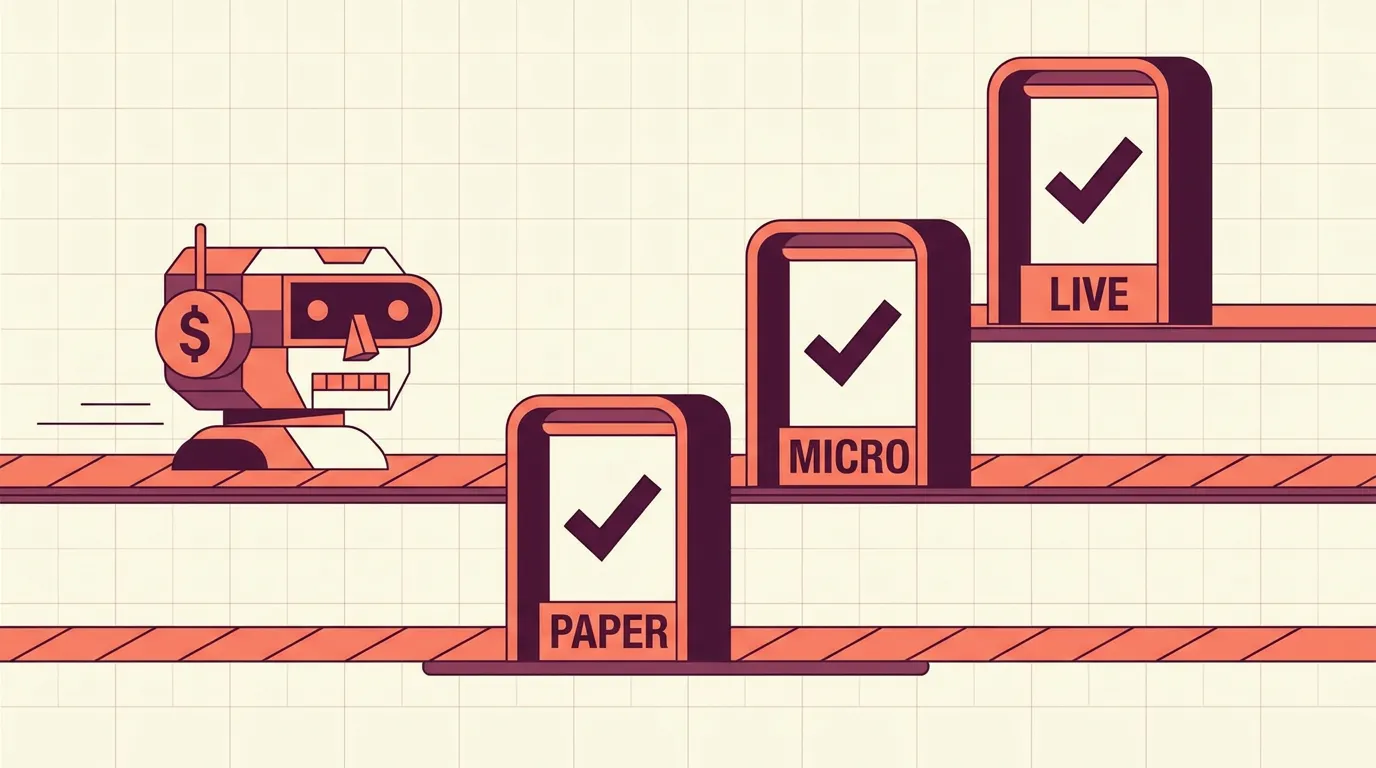
Why you need a promotion gate
A strong backtest tells you a strategy could have worked on past data. It says nothing about slippage, broker quirks, or whether you'll panic-cancel the bot at the first drawdown. A promotion checklist is the gate between "looks good on paper" and "trading my money." Work through it every time — not just once.
The goal isn't perfection. It's removing avoidable, self-inflicted failures before capital is on the line.
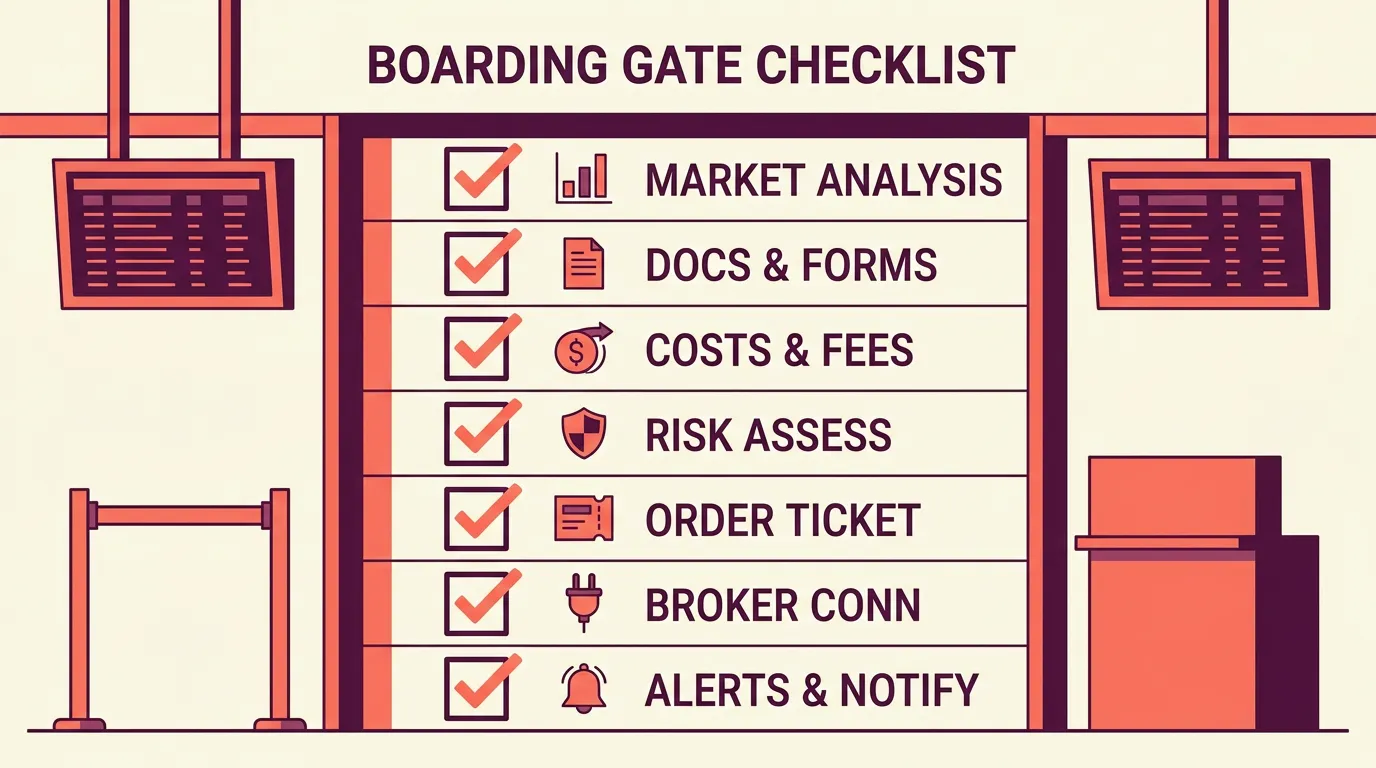
The pre-live checklist
Clear each item deliberately. If one fails, stop and fix it — don't wave it through.
- Out-of-sample confirmation. The strategy holds up on data it was never tuned on. If it only shines on the exact window you optimised, it's likely .
- Forward/paper run. Let the bot trade in on live prices for days or weeks. Compare fills and timing against what the backtest assumed.
- Costs modelled. Fees, spread, and realistic slippage are included — not a frictionless simulation. A thin-margin strategy can flip negative once costs are real.
- Risk controls attached. A per-trade stop, a position-size rule, and a are all live, not "to add later."
- Order type is right. You've decided and understand the fill trade-off for your venue.
- Broker + market sanity. Keys connect to the intended account, the symbol exists, and the market type (spot, futures, margin) is what you expect.
- Alerts wired. Telegram or Discord notifications fire on entries, exits, and errors so you're never guessing what the bot did.
Paper-trade the exact bot you plan to run live — same symbol, same timeframe, same sizing logic. Testing a slightly different version invalidates the comparison.
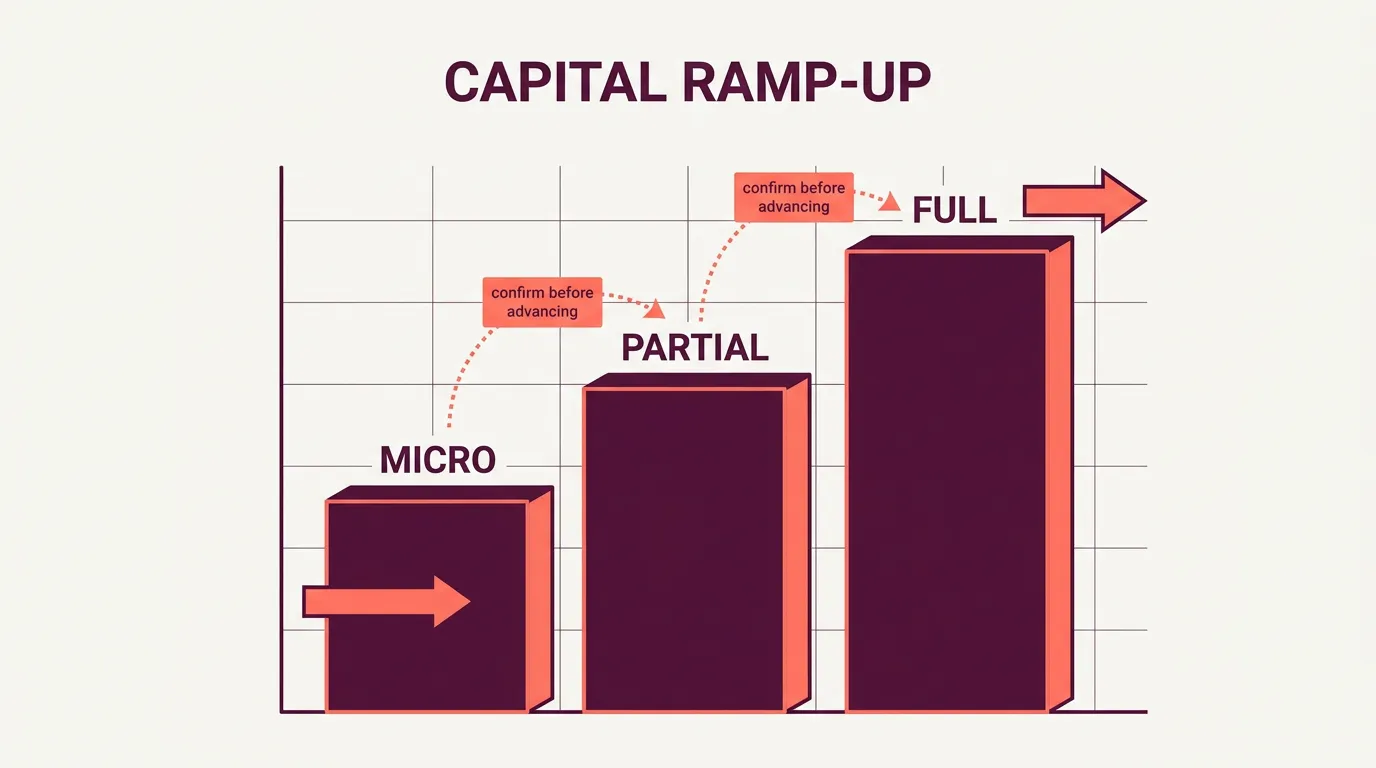
Size in gradually
Passing the checklist earns a bot a small live allocation, not your full stake. Live trading surfaces things no test can: real slippage, partial fills, overnight gaps, your own emotional reaction.
A sensible ramp:
Move up only when the current stage behaves as expected over a meaningful sample — not after two lucky wins. If live results diverge sharply from paper, that's a signal to pause and investigate, not to size up.
Watch closely early, then pause with rules
The first weeks live are the highest-risk period, because that's when hidden assumptions break. Check daily at first: are fills near expected prices? Are alerts arriving? Is realised behaviour tracking the backtest?
Decide in advance what triggers a pause, so the decision isn't emotional in the moment:
- Live results deviate far beyond the backtest's worst stretch.
- Orders repeatedly reject or fill far from intent.
- The daily loss limit trips.
- Market conditions no longer match what you designed for.
Because a bot is built from a plain-language description you can , pausing to adjust and re-validate is cheap. Use that. A paused bot loses nothing; a bot left running on broken assumptions can lose a lot.
Key takeaways
- Treat going live as a gated promotion, not a switch — clear a checklist every time.
- Forward-test the exact bot, with realistic costs and risk controls already attached.
- Size in gradually: micro, then partial, then full, only as behaviour confirms.
- Define pause triggers in advance and monitor closely in the first weeks.
Frequently asked questions
How long should I forward-test before going live?
Long enough to see a meaningful number of trades in current conditions, usually a few weeks. More trades matter more than more calendar days, because the goal is confirming that real fills and timing match your backtest.
How small should the first live allocation be?
Start at the smallest size your venue allows — enough to verify fills, alerts, and behaviour with real money but negligible risk. Scale up only after the bot behaves as expected over many trades, not after a couple of wins.
What should trigger pausing a live bot?
Decide in advance: results deviating far beyond the backtest's worst stretch, repeated order rejections or bad fills, hitting your daily loss limit, or a clear market-regime change. Pausing costs nothing, so err toward caution.
Why does live performance differ from the backtest?
Backtests often assume perfect fills and understate slippage, spread, and fees, while live trading adds partial fills, gaps, and latency. Some divergence is normal, but a large gap means an assumption is broken and you should investigate before sizing up.