Trading Bot Health Check: Quiet Market or Silent Failure?
A trading bot health check for when your bot goes quiet: how to tell normal silence from a silent failure, common causes, and a 5-minute routine.
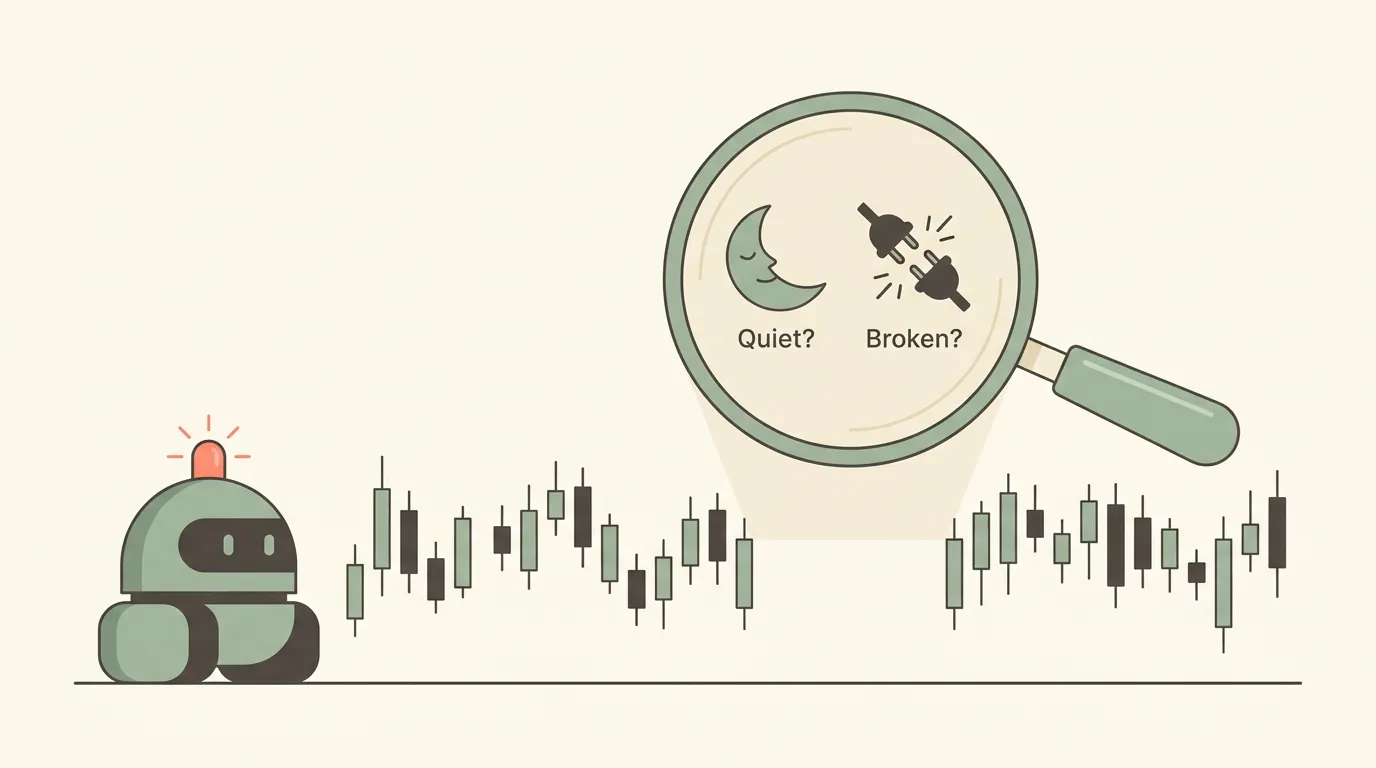
Why a quiet bot is ambiguous
Your phone has been silent for two days. Either your bot's entry conditions simply have not appeared, or it stopped trading and nothing told you. Trade alerts only fire when something happens, so they cannot report the absence of action. A good health check closes that gap.
Know your bot's normal silence
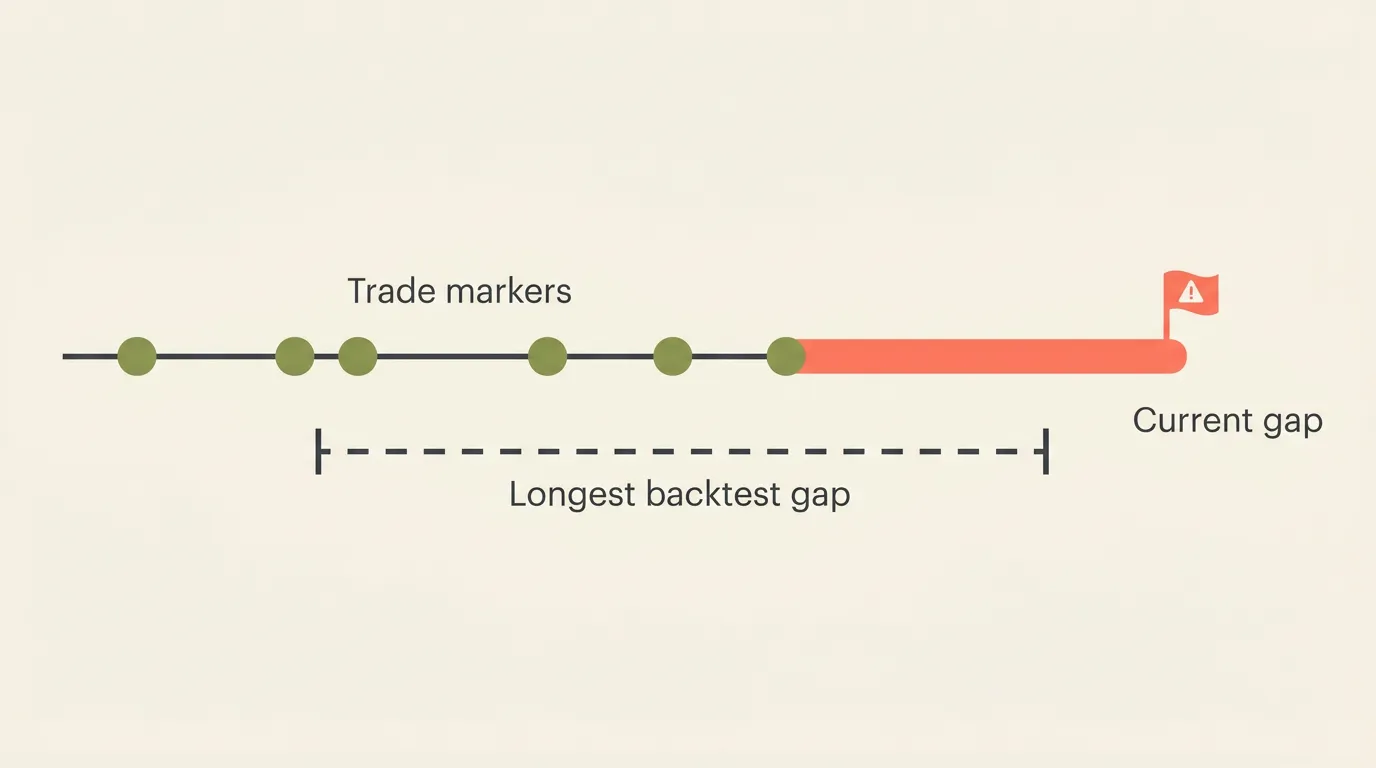
Before you can spot an abnormal gap, you need to know what a normal one looks like. Your backtest already tells you:
- Average trades per week: a trend bot on daily candles might trade a few times a month, while an intraday mean reversion bot may trade daily.
- Longest gap between trades: the longest stretch without a signal in the historical test.
- Market hours: crypto on Binance trades 24/7, but stocks on Alpaca and forex on OANDA have closures and weekends.
If the current silence is longer than the longest gap in your backtest, treat it as a problem until proven otherwise.
Write these numbers down when you go live. They turn "it feels quiet" into a concrete threshold.
Common causes of silent failure
When silence is not explained by the strategy, the cause is usually outside the strategy logic:
- Broker keys changed. If you rotated or revoked an API key, the bot can no longer place orders. Follow a so you reconnect the new key right away.
- Insufficient balance or margin. You withdrew funds, or open positions tied up buying power, so new orders get rejected.
- Order size below the venue minimum. After a drawdown, a percent-based size can shrink under the minimum the exchange accepts.
- Account restrictions. On US stock accounts under the threshold, the can block further day trades.
- A risk control did its job. A or similar guard may have paused trading. That is working as designed, but you still want to know.
- Conditions too narrow. A filter that rarely lines up in live markets, even if the backtest found enough matches.
A rejected order that never reaches the broker can look exactly like "no signal" from your phone. Check your broker's order history, not just your alert feed.
A 5-minute weekly health routine
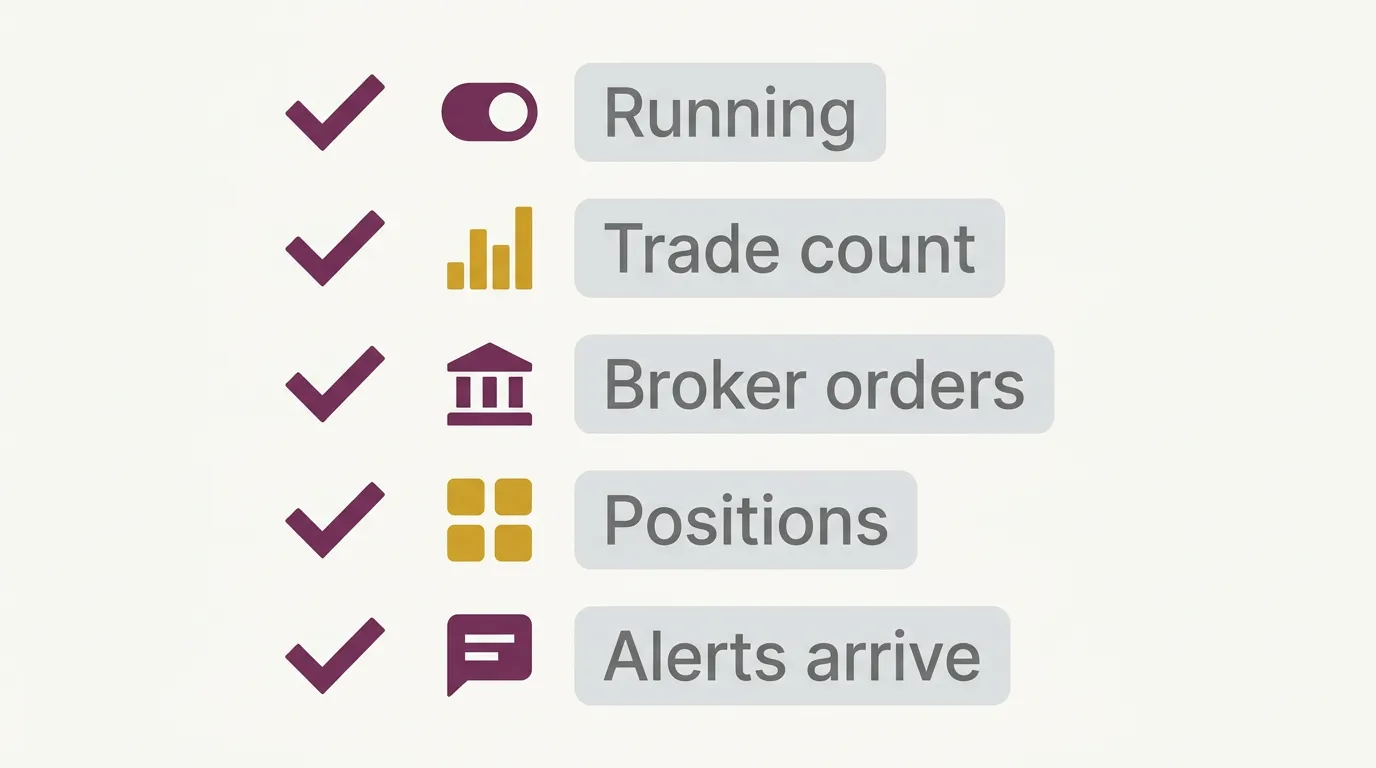
You do not need to watch charts. A short, fixed check covers most failure modes:
- Confirm the bot is running in your dashboard, not paused or stopped.
- Compare trade count to your baseline. Way below the backtest average? Dig in.
- Open your broker account and check recent orders, rejections, and available balance.
- Match positions. Every open position at the broker should be one your bot expects, and the other way around.
- Test your notification channel. Make sure your Telegram or Discord alerts still arrive. Muted chats and changed settings fail quietly too.
Send alerts for actionable events like rejected orders, risk pauses, and errors, not just fills. That way silence carries more meaning. Our guide on covers how to keep the feed useful.
Conclusion
Silence is not proof that everything is fine, and it is not proof of failure either. Set a baseline from your backtest, route error-type events to your phone, and spend five minutes a week checking the broker side. Automation removes the need to watch every candle, but you still own the oversight, and trading always carries risk.
Key takeaways
- Trade alerts cannot report missing trades, so you need a separate health check.
- Use your backtest's trade frequency and longest gap as a silence threshold.
- Most silent failures come from keys, balance, minimums, or account rules, not the strategy itself.
- A short weekly routine across dashboard, broker, and alert channel catches most problems early.
Frequently asked questions
How do I know if my trading bot stopped working or just has no signals?
Compare the current quiet stretch to your backtest's typical trade frequency and longest gap between trades. If silence runs longer than anything seen historically, check the bot status and your broker's order history for rejections.
Why would a bot stop placing orders without any error alert?
Common causes include revoked or rotated API keys, insufficient balance or margin, order sizes below the venue minimum, and account restrictions. If you only get alerts on fills, these problems can go unnoticed, so route rejections and errors to your notifications too.
How often should I check on a live trading bot?
A short weekly routine works for most swing and trend bots, while faster intraday strategies may warrant a quick daily look. The goal is regular oversight, not watching every candle.
Is it normal for a stock or forex bot to go quiet on weekends?
Yes. Stocks on Alpaca and forex on OANDA have market closures, so silence over weekends and holidays is expected. A crypto bot on Binance trades around the clock, so a long weekend gap there deserves a closer look.